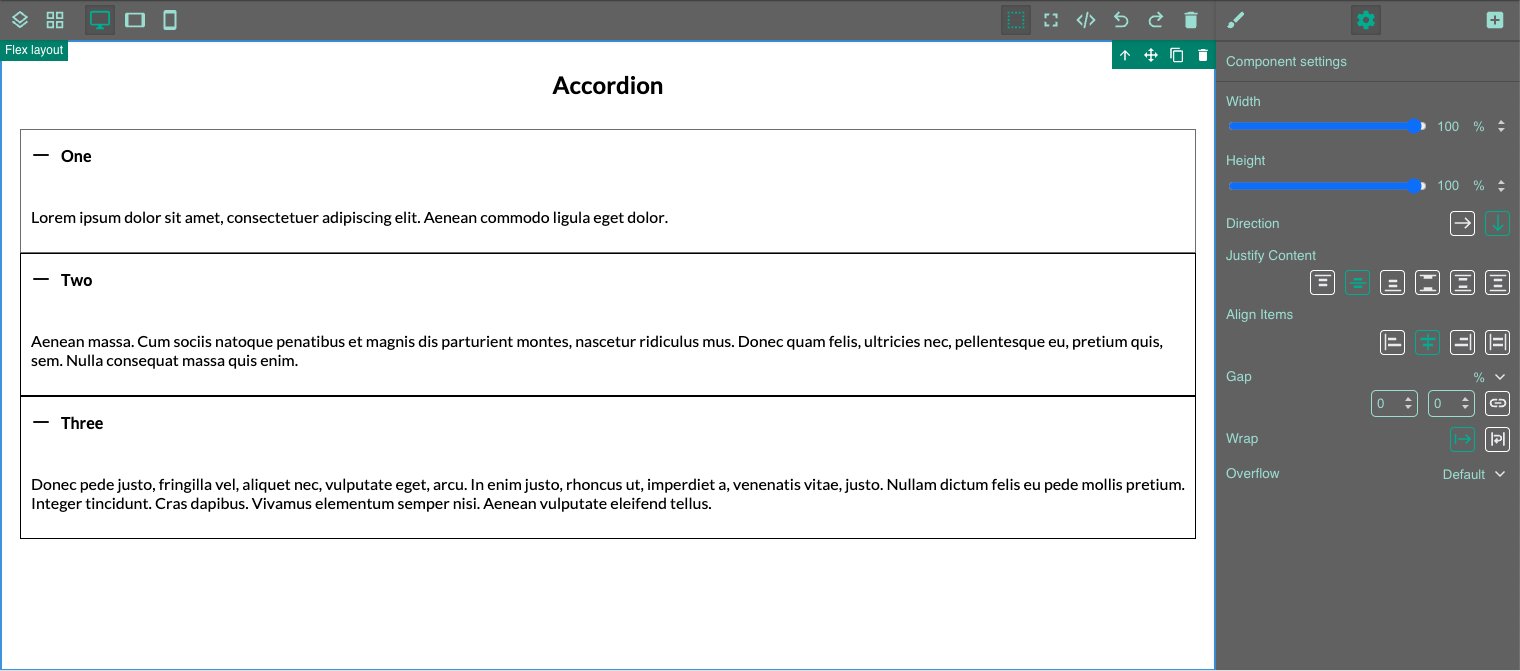
How to build an accordion with more than one element open at the same time.
In principle, accordions based on standard HTML elements only allow a single element to be opened. Clicking on another element automatically closes the previously opened element. Our accordion module follows this principle and therefore meets accessibility criteria.
However, the effect of having multiple elements open at the same time can still be achieved!
To do this, drag multiple accordion blocks onto your slide in the Page Builder. We recommend that you drag them into a Flex container with the direction 'Column' so that they appear one below the other.
Delete the sub-elements in each accordion block until there is only one sub-element per accordion block.
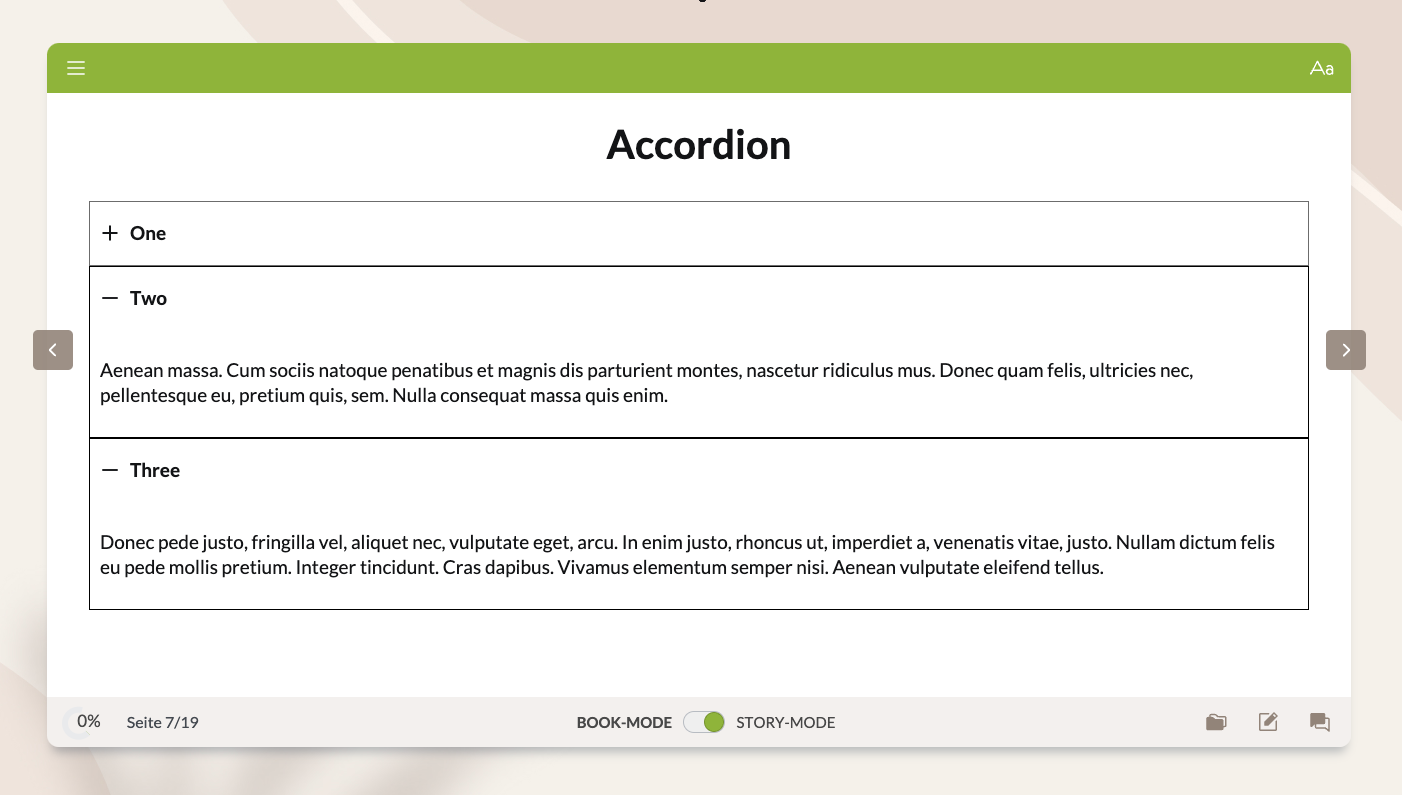
Now you can open and close each sub-element independently!